
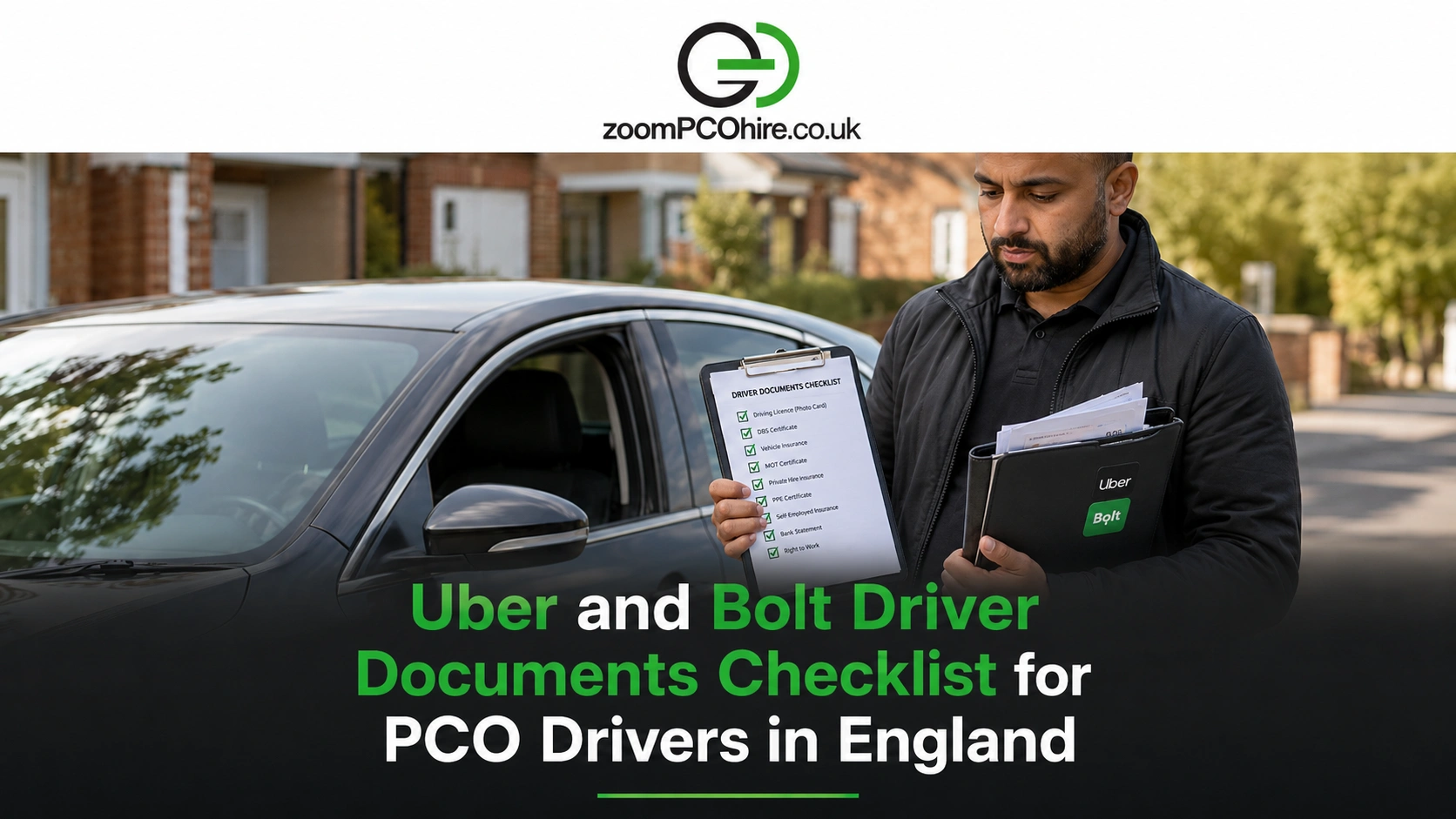
Getting ready to drive with Uber or Bolt is not only about having the right car. Your documents also need to be clear, valid, matching and uploaded correctly. Many PCO and PHV drivers lose time because a document is expired, blurry, cropped, missing a page, or does not match the vehicle details on the account.
This guide is for PCO, PHV, Uber, Bolt and private hire drivers across England. It explains the main driver and vehicle documents to prepare before uploading, how to avoid approval delays, and what to check if you are using a hired or rent-to-buy PCO car. Requirements can vary by city, licensing authority and platform, so always check the latest instructions before applying.
For drivers who need a suitable vehicle, Zoom PCO Hire offers PCO car hire and rent to buy PCO cars across England.
What documents do Uber and Bolt drivers need?
PCO and PHV drivers usually need a mix of driver documents and vehicle documents.
Common documents may include:
- UK driving licence
- Private hire driver licence
- DVLA check code or counterpart information where required
- Profile photo
- Bank statement or bank/payment details
- Private hire vehicle licence
- Private hire insurance certificate
- MOT, inspection certificate or vehicle inspection document
- V5C/logbook or vehicle keeper document
- Hire agreement or permission letter if using a hired vehicle
- Identity or right-to-work documents where requested
The exact list can change depending on your city, council, platform and vehicle setup. Use this as a preparation checklist, then confirm the latest Uber or Bolt app requirements before uploading.
Driver documents vs vehicle documents
Before uploading, split your paperwork into two groups: driver documents and vehicle documents.
Driver documents
Driver documents prove that you are allowed to work as a private hire driver. They may include your UK driving licence, private hire driver licence, profile photo, bank statement, National Insurance number, and DVLA check code where required. Uber says UK private-hire drivers need a licence from a licensing authority such as a council, plus a valid UK driving licence and bank statement for the account used to receive payments.
Vehicle documents
Vehicle documents prove that the car is allowed to work as a private hire vehicle. These may include the private hire vehicle licence, insurance certificate, MOT or inspection certificate, V5C/logbook, and hire agreement or permission letter if the vehicle is not yours.
Uber’s document guidance lists vehicle documents such as insurance certificate, UK vehicle inspection, PHV licence and logbook, and says vehicle information must match across all vehicle documents.
Why matching details matter
Approval can be delayed if details do not match. Check that your name, vehicle registration, make, model, licence details and insurance details are correct and clear. Documents should not be blurry, cropped, expired or missing important pages.
Uber driver documents UK: what to prepare
Uber’s UK document page lists driver documents such as:
- DVLA plastic driving licence
- Private hire driving licence
- DVLA electronic counterpart check code
- Bank statement
- Profile photo
Uber also says drivers need a private-hire licence from a council that Uber is licensed by, and the required years of driving experience can vary by city.
For vehicle documents, Uber lists items such as:
- Insurance certificate
- UK vehicle inspection
- Private hire vehicle licence
- Logbook/V5C
Uber’s UK vehicle requirements also say vehicles must have a PHVL licence from an accepted council, private hire motor insurance, 4 doors, good condition with no cosmetic damage, no commercial branding, and must be licensed to carry at least 4 passengers. Uber notes that requirements and accepted vehicles may change.
Before uploading to Uber, check:
- Your driving licence is valid
- Your private hire licence is clear
- Your bank statement matches the required account details
- Your insurance covers private hire or hire/reward work
- The vehicle registration matches across documents
- The car is accepted in your city and category
Bolt driver documents UK: what to prepare
They says drivers register online, upload documents and verify identity before getting started. Bolt also notes that document requirements can vary by city and advises drivers not to upload blurry, unreadable or expired documents.
For preparation, keep these ready:
- Driving licence
- Private hire driver licence
- Vehicle documents
- Insurance documents
- PHV vehicle licence
- Identity/profile details
- Bank/payment details if requested
- Any city-specific documents requested by Bolt
Bolt’s UK vehicle requirements say the vehicle must have no commercial branding, 4 doors, at least 4 seats excluding the driver, excellent working condition with no cosmetic damage, and must be correctly licensed by the local licensing authority. Bolt also says drivers can be owner-drivers or use a hired vehicle.
Higher Bolt categories may have extra rules. For example, Bolt XL requires at least 6 seats excluding the driver and is available in selected areas.
Documents checklist before uploading
Personal and licence documents
Prepare:
- UK driving licence
- Private hire driver licence
- DVLA check code if required
- National Insurance number if required
- Profile photo
- Bank statement or bank details
- Identity/right-to-work documents where requested
Before uploading, make sure your name matches, the document is valid, the full page is visible and the image is not blurry.
Vehicle documents
Prepare:
- Private hire vehicle licence
- Private hire insurance certificate
- MOT certificate
- Vehicle inspection report
- V5C/logbook
- Hire or rent-to-buy agreement
- Permission letter if needed
- Vehicle schedule or driver schedule if required by insurance
- Category or emissions evidence where relevant
Before uploading, check the registration number, make, model, insurance cover and expiry dates.
Common document upload mistakes that delay approval
- Blurry or cropped photos
- Expired documents
- Details do not match
- Wrong insurance type
- Missing hire agreement or permission letter
Using a hired or rent-to-buy PCO car
If you are using a hired or rent-to-buy car, ask your provider for clear documents before uploading anything.
Ask for:
- Insurance certificate or cover details
- Hire agreement
- Permission letter if needed
- Vehicle registration details
- PHV licence or plate details
- MOT or inspection document
- V5C/logbook details where applicable
- Maintenance or support contact details
A car can be PHV licensed but still may not qualify for every Uber or Bolt category. Check whether the car is accepted in your city and whether it qualifies for the category you want.
Document renewal checklist
Documents are not only needed at onboarding. You also need to keep them updated.
Track expiry dates for:
- Private hire driver licence
- Private hire vehicle licence
- Insurance
- MOT
- Vehicle inspection
- Driving licence
- Hire/rent-to-buy agreement updates
Set reminders 30 days, 14 days and 7 days before expiry. Upload renewed documents early because approval can take longer if there is a mismatch or missing supporting document.
Uber and Bolt documents
| Document type | Examples | Why it matters |
|---|---|---|
| Driver identity and licence | UK driving licence, private hire driver licence, profile photo, DVLA check code | Shows the driver is licensed and matches the platform account |
| Payment details | Bank statement or bank/payment details | Helps platforms verify payment details and process earnings |
| Vehicle licence | Private hire vehicle licence, PHV plate/licence details | Shows the car is licensed for private hire work |
| Insurance | Private hire insurance certificate and supporting documents | Shows the vehicle is covered for private hire or hire/reward work |
| Vehicle condition | MOT, vehicle inspection certificate or inspection report | Supports vehicle safety and platform approval |
| Vehicle ownership/use | V5C/logbook, hire agreement or permission letter | Confirms vehicle details and permission to use the car |
What to do if your document is rejected
Document rejection is common and usually fixable. First, read the rejection reason carefully. Do not upload the same file again without checking what is wrong.
Common fixes include:
- Retake the photo in better light
- Upload the full document
- Use the newest insurance certificate
- Correct the vehicle details
- Request a permission letter from your provider
- Upload the missing page or schedule
If the rejection is unclear, contact Uber or Bolt support. If the issue is linked to your hired or rent-to-buy car, ask your provider for corrected documents.
Final thoughts
Getting approved on Uber or Bolt is easier when your documents are organised before you start. Keep driver documents, vehicle documents, insurance, inspection proof and platform details clear, current and matching.
Always check the latest official app requirements for your city, because platform and category rules can change. If you need a suitable vehicle with the right documents, Zoom PCO Hire can help you compare PCO car hire and rent to buy options across England.
Frequently Asked Questions
What documents do I need to drive with Uber in the UK?
Uber lists driver documents such as a DVLA driving licence, private hire driving licence, DVLA check code, bank statement and profile photo. Vehicle documents include insurance certificate, vehicle inspection, PHV licence and logbook.
What documents do I need to drive with Bolt in the UK?
Bolt says drivers register online, upload documents and verify identity before getting started. Requirements can vary by city, so follow the latest Bolt instructions.
Do I need a private hire licence to drive for Uber or Bolt?
Yes. Uber says UK private-hire drivers need a licence from a licensing authority such as a council. Bolt says vehicles must also be correctly licensed by the local licensing authority.
Can I use a hired PCO car for Uber or Bolt?
Yes, if the vehicle is correctly licensed, insured, accepted by the platform and supported by the right documents. Bolt says drivers can use a hired vehicle.
Why was my Uber or Bolt document rejected?
Common reasons include blurry images, cropped documents, expired dates, missing pages, mismatched details, wrong registration or incorrect insurance type.
How can I avoid Uber or Bolt onboarding delays?
Use clear photos, upload current documents, show the full page, make sure names and vehicle details match, track expiry dates and check the latest city-specific requirements before applying.
